
Practice a skill before the work is real.
Play LabUse guided activities, practice apps, sample applications, study aids, and lab exercises to try a method, observe what happens, review the result, and decide what to change.
Practice testing skills and AI-assisted workflows with sample or non-confidential material before applying selected methods to real work.
Practice through a simple review loop.
Play Lab activities are designed for focused experimentation. Start with a small task, observe the result, and use what you learn to improve the next attempt.
01
Choose a small activity
Select one skill, behavior, or workflow to practice.
02
Use sample or non-confidential material
Do not enter client, employer, personal, or restricted information.
03
Observe what happened
Keep the relevant input, action, output, and context.
04
Review the result
Compare the result with the goal, evidence, and expected behavior.
05
Decide what to change
Refine the method, try again, or return to Learn Lab for more guidance.
Practice with purpose-built testing surfaces.
Each Play Lab surface supports a different type of practice. Access, data guidance, and readiness must be shown clearly for each one.
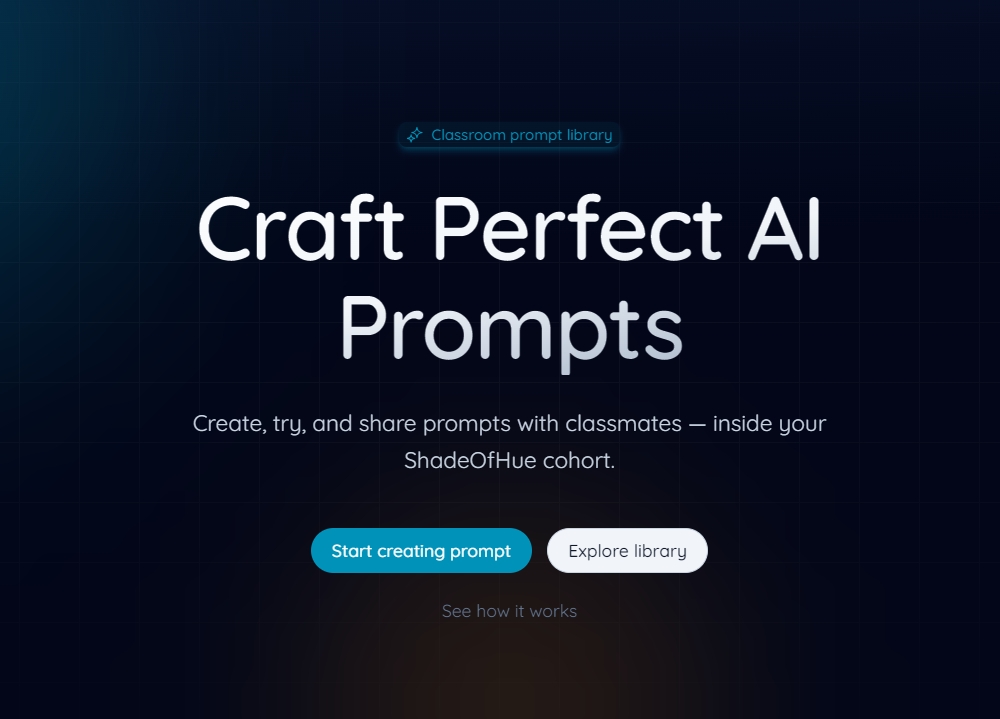
Craft AI prompts for real-world testing
Create, try, refine, reuse, and share prompts for practical software-testing workflows.
- 1. Start from a testing prompt
- 2. Add context
- 3. Run it
- 4. Judge the output
- 5. Save a reusable version
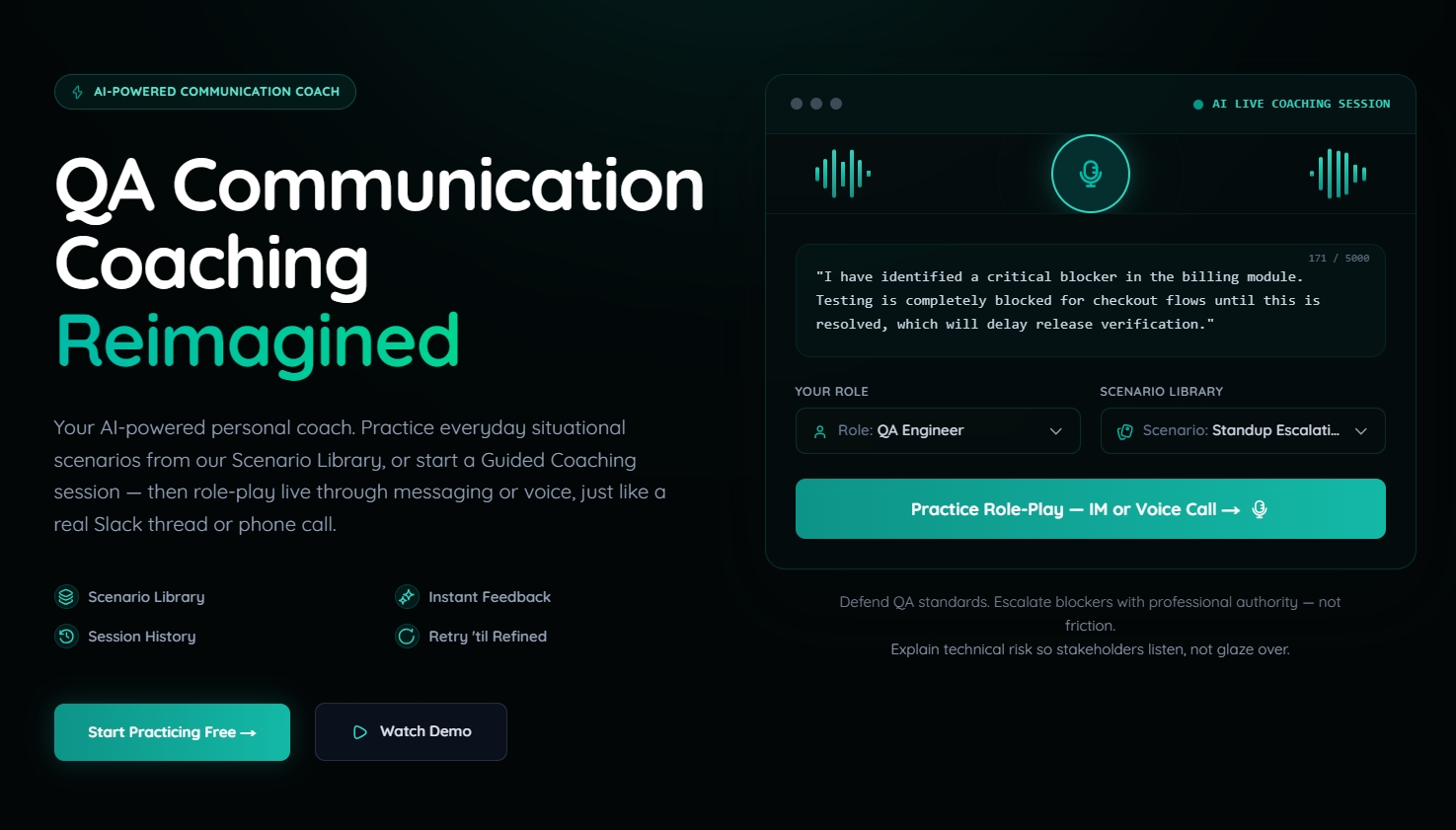
Practice testing conversations with clearer evidence and next steps.
Rehearse testing-focused workplace conversations and strengthen how you explain evidence, impact, risk, blockers, and recommended action.
Evidence
What you observed and recorded.
Impact
What it means for the product, user, or release.
Next action
What you are recommending or requesting.
Practice scenarios may include reporting a blocker, explaining a testing risk, discussing release readiness, challenging an unclear requirement, or communicating progress to a stakeholder.
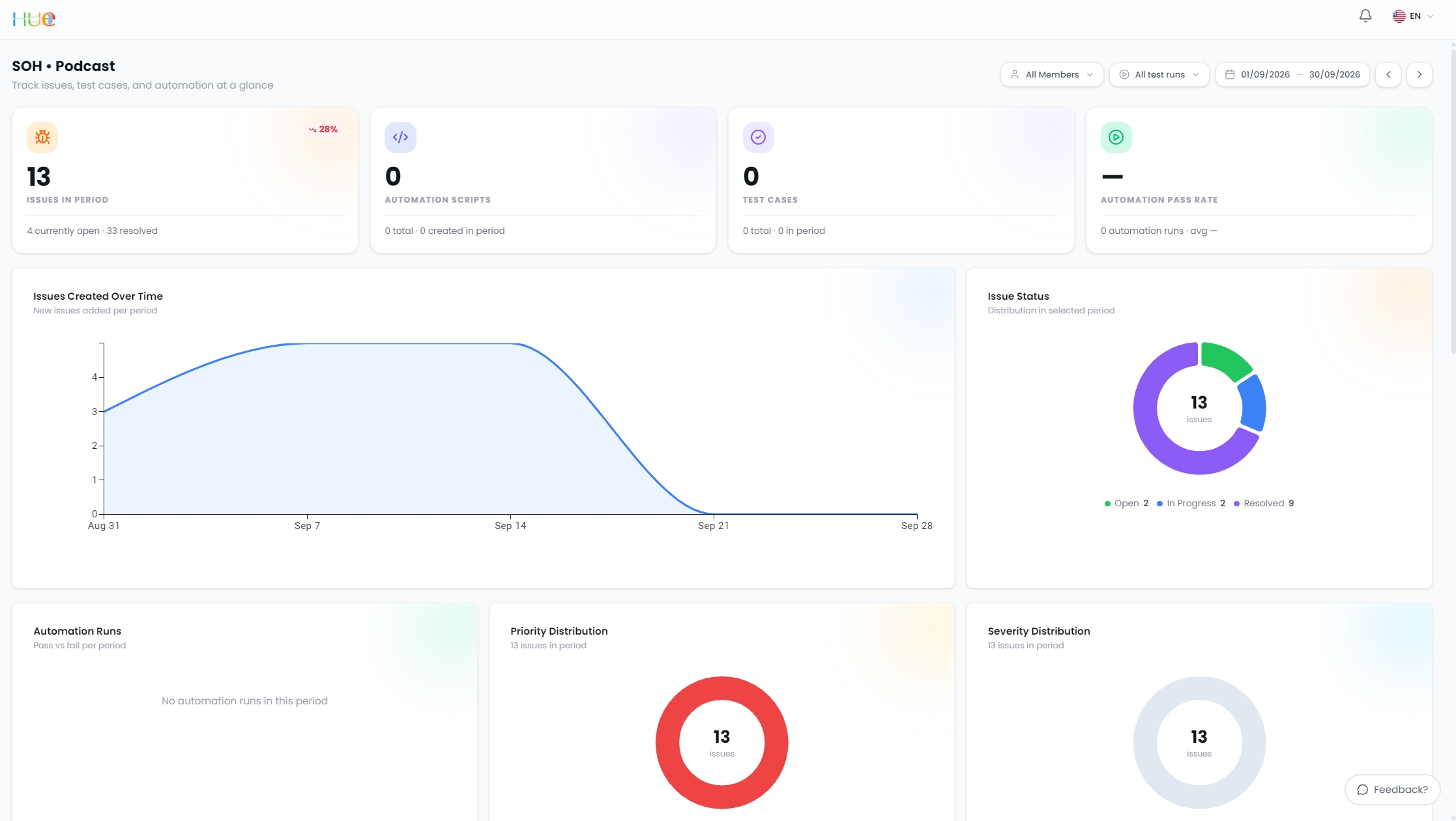
Practice AI-assisted testing workflows, then decide what to trust.
Use Astra to explore test design and generation, agentic and engineered test automation, issue tracking, and reporting while keeping tester review and judgment in the workflow.
- Test design and generation
- Agentic and engineered test automation
- Issue tracking
- Reporting
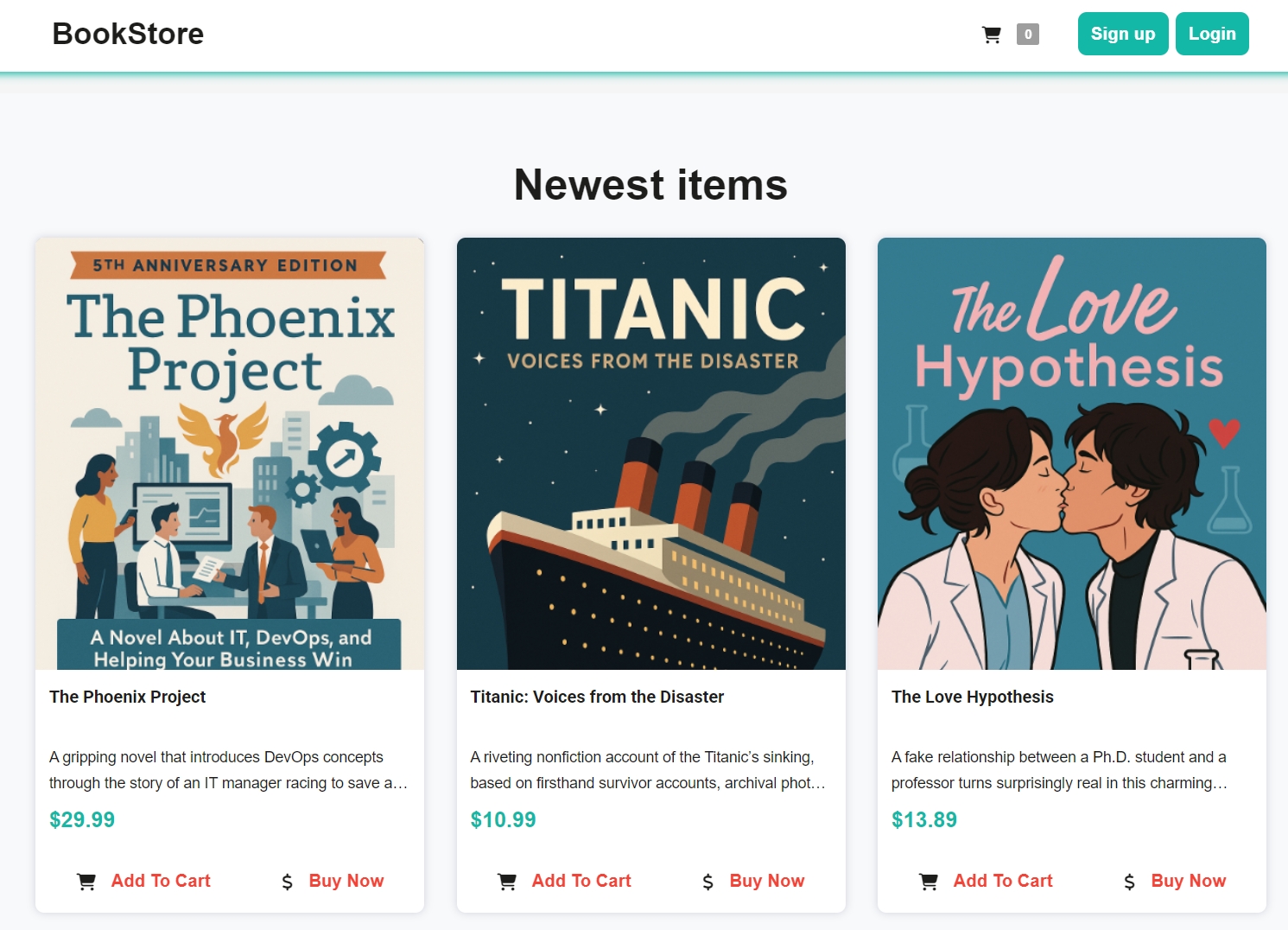
Practice against an application, not only an AI interface.
Sample applications provide a consistent place to investigate behavior, design tests, record evidence, and repeat an activity without affecting a real client system.
Northwind Bookstore
Use the Northwind Bookstore as a practice system for exploratory testing, functional testing, API investigation, automation exercises, and evidence collection.
Product Listings
Browse and test catalog behavior.
Cart and Checkout
Trace purchase flows end to end.
Account Flows
Test registration, login, and state.
Continue practicing after the lesson.
Selected Learn Lab courses include study and practice aids that help learners revisit concepts, ask focused questions, examine examples, and prepare for practical activities.
Review course sources and explore concepts.
Help learners review course sources, explore concepts, and ask questions grounded in approved learning materials.
Practice with course-specific guided exercises.
Support focused review, guided exercises, or course-specific practice where a Custom GPT has been prepared and approved.
These are course-linked study aids inside the Shade of Hue learning ecosystem. They are not separate courses or standalone subscription products.
Testing AI Systems Lab Works
Use guided lab work, demonstrations, exercises, and approved notebooks to investigate AI behavior, evaluation questions, risks, and evidence.
Play Lab covers both testing with AI and testing AI systems. This section focuses on testing AI systems — understanding how to evaluate, investigate, and reason about AI-enabled products.
Guided labs, demos, and exercises
Lab works, demonstrations, and guided exercises will be added as their content, access, and learning links are confirmed.
Hands-on notebooks by Landon
Google Colab exercises created by Landon will be added here as their content, access requirements, and related Learn Lab course links are confirmed.
Stay current in five minutes.
One testing-and-AI idea a day, in five minutes.
Follow short briefings on developments, methods, tools, and questions affecting modern software testing.
The Daily AI in Testing Briefing is publicly available. A Labs Annual subscription is not required to read it.
The same skill changes as the context changes.
Understand the knowledge and reasoning.
Understand the knowledge, method, risk, and reasoning behind the activity.
Practice in a low-risk environment.
Practice with sample or non-confidential material in a low-risk environment.
Use reviewed methods in real work.
Use selected, reviewed methods and resources in real work where access, data, evidence, and responsibility are clear.
A surface may appear in more than one Lab, but the context must change. Play Lab focuses on deliberate practice. Apply Lab contains only resources whose practical use case and level of readiness are clear.
Know what you are opening and what data you can use.
Included in Labs Annual
A Shade of Hue learning or practice surface included for eligible subscribers.
Public resource
Available without a Labs Annual subscription.
Ask about access
Access requires confirmation, invitation, or another onboarding step.
External resource
Provided by another organization. Separate accounts, terms, technical requirements, or costs may apply.
Before you begin
- Use only sample, non-confidential, or explicitly permitted data.
- Check the access status before beginning an activity.
- Review provider terms before using an external service.
- External paid tools, APIs, and subscriptions are not automatically included in Labs Annual.
- Do not upload employer, client, personal, or restricted data unless its use is explicitly permitted.
One subscription for Learn, Play, and Apply.
Shade of Hue Labs Annual connects structured learning, deliberate practice, and selected application resources in one platform. Practice surfaces and learning resources continue to be added as AI and testing practice change.
Set it once. Stay relevant and get ahead without buying Shade of Hue courses or apps one by one.